UW Libraries
Website Redesign
Optimizing academic resource discovery for a diverse university community
MY ROLE
UX Designer & Researcher
ORGANIZATION
UW Libraries (ITSDS)
TIMELINE
8 Months, June 2025–Feb 2026
TOOLS
Figma, Adobe Illustrator, Adobe Photoshop, Wordpress, Optimal Workshop
TEAM
Pyramid Team, PWOG, UW Libraries Core Team, Cross-functional partners
Project background
UW Libraries serves multiple audiences with very different goals—students trying to find materials fast, faculty needing research support, and community members exploring services and locations. This redesign focused on making the website easier to navigate, easier to understand, and more consistent across pages, while maintaining alignment with brand and accessibility expectations.
Because this work is confidential, I'm sharing the process and design reasoning rather than internal documentation or full site structures.

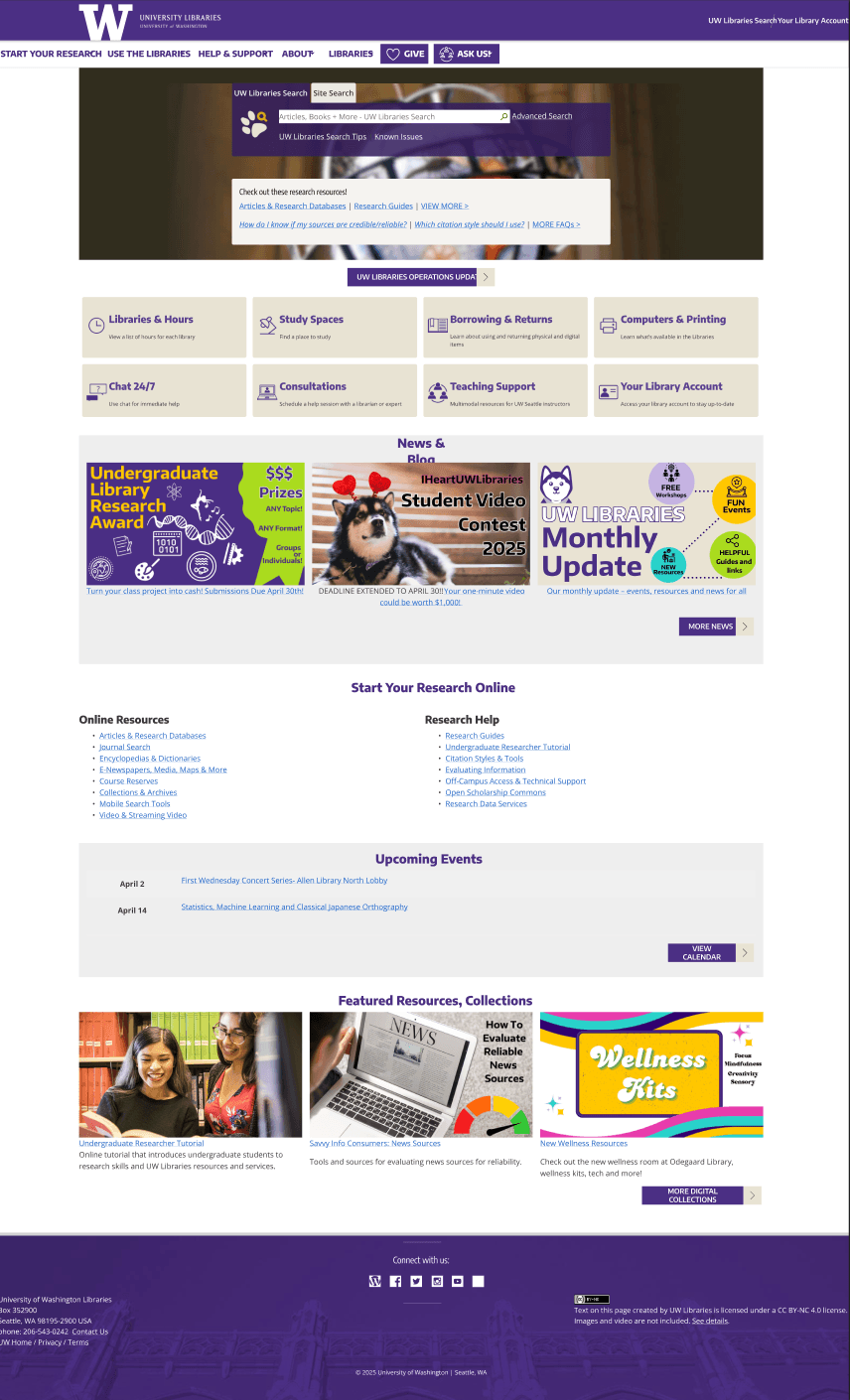

The existing experience created friction in some major areas
Information Overload
Users had to scan too much before knowing where to go. No clear entry point surfaced common tasked.
Unclear Pathways
Navigation labels and page structure didn’t consistently match user intent.
Inconsistent layouts
Users had to “re-learn” patterns across different sections.
Low task visibility
Essential tools and frequently used resources weren’t immediately recognizable or prioritized.

“How might we restructure the UW Libraries online experience so users can quickly find what they need and navigate with confidence, no matter their familiarity level or specific task?”
What we set out to achieve
Four research goals guided the entire project– ensuring design decisions were grounded in user needs rather than assumptions.
Evaluate IA
Does the current navigation support intuitive patterns, or does it confuse users with too many similar options?
Understand Users
How do students and faculty mentally categorize library services, and how does this differ from the current structure?
Clarifying Language
What language makes users feel like services are accessible and findable?
Design Support
How can we test that restructured navigation patterns still align with real user expectations?
In order to meet these goals we are orienting our work around these key strategies
We prioritized the top 5 tasks identified through analytics and user interviews — finding books, accessing databases, reserving study rooms, checking hours, and getting research help.
Avg clicks: 4.2 → 2.10+
Research insights gathered
0+
Usability test participants
0+
UI components built
0×
Rounds of iterative testing
Research-driven, structure-first
Four research goals guided the entire project– ensuring design decisions were grounded in user needs rather than assumptions.
Awareness
Impact
0+
Students & Staff Interviews
0+
Senior Professor Interviews
0+
Research Field Studies
← ITERATE →
0+
User Interfaces Designed
0+
Participants in Usability Testing
0
Rounds of UI Iteration
Restructured around user mental models
Through card sorting and tree testing in Optimal Workshop, we shifted from internal department labels to task-based navigation validated through real users.
Before

After

Key IA Improvements
- • Reduced primary navigation from 7 to 6 items
- • Created task-based pathways for common activities
- • Eliminated duplicate or redundant page hierarchies
- • Introduced clear labeling validated by tree testing
Testing Results
- • 85% task success rate in tree testing (up from 62%)
- • Users found items 40% faster on average
- • Reduced confusion around terminology and placement
- • Higher confidence scores across all user groups
Visual Design & Component System
Modular, brand-aligned, accessible
A system of 50+ components following atomic design principles — built with UW's brand colors (purple and gold), enhanced spacing, and WCAG 2.1 AA contrast compliance.
Clarity
Every element serves a clear purpose with obvious interaction patterns.
Consistency
Reusable patterns that create familiarity across all pages.
Accessibility
WCAG 2.1 AA compliant with high contrast and keyboard navigation.
UW Libraries — Logos & Text Components






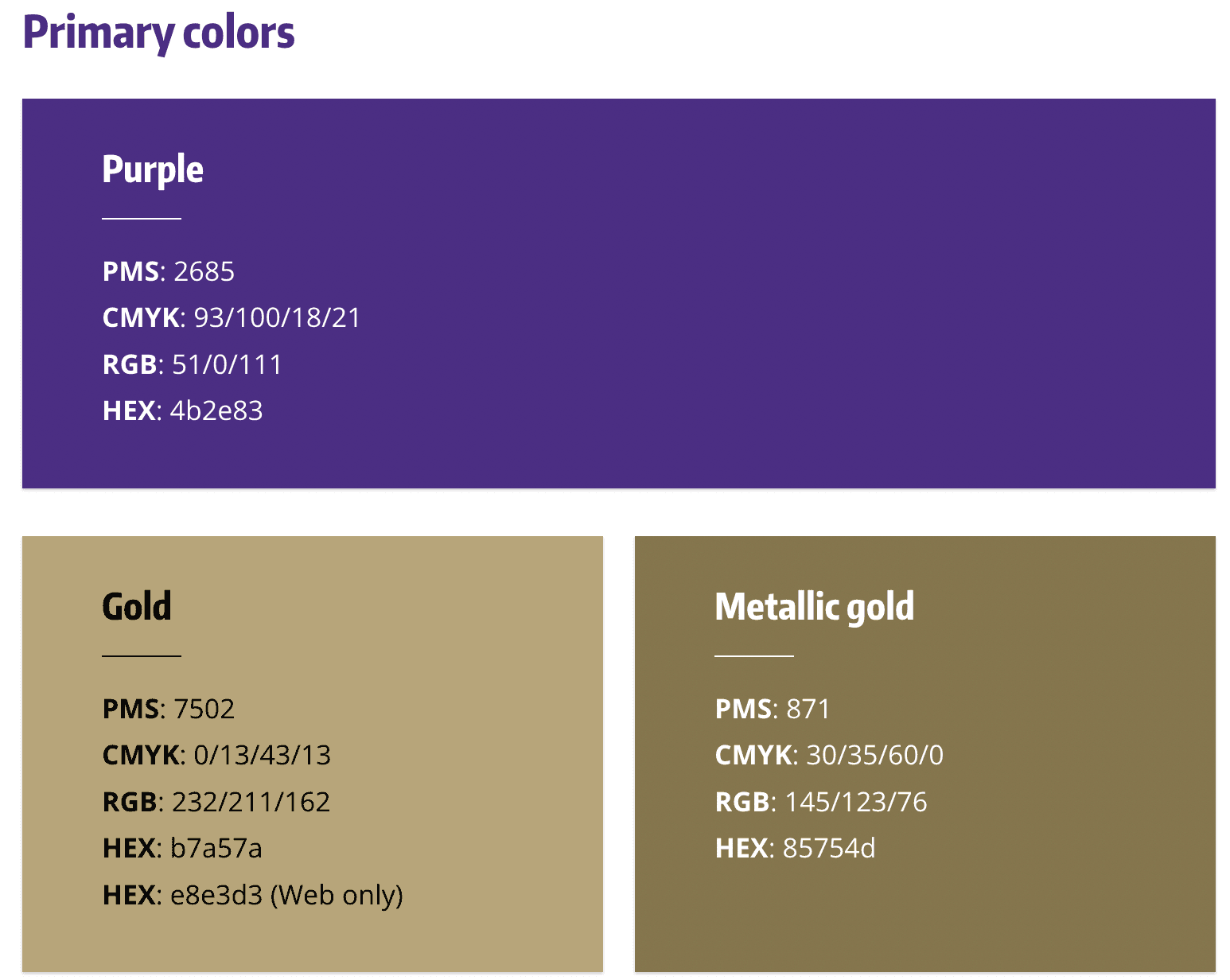
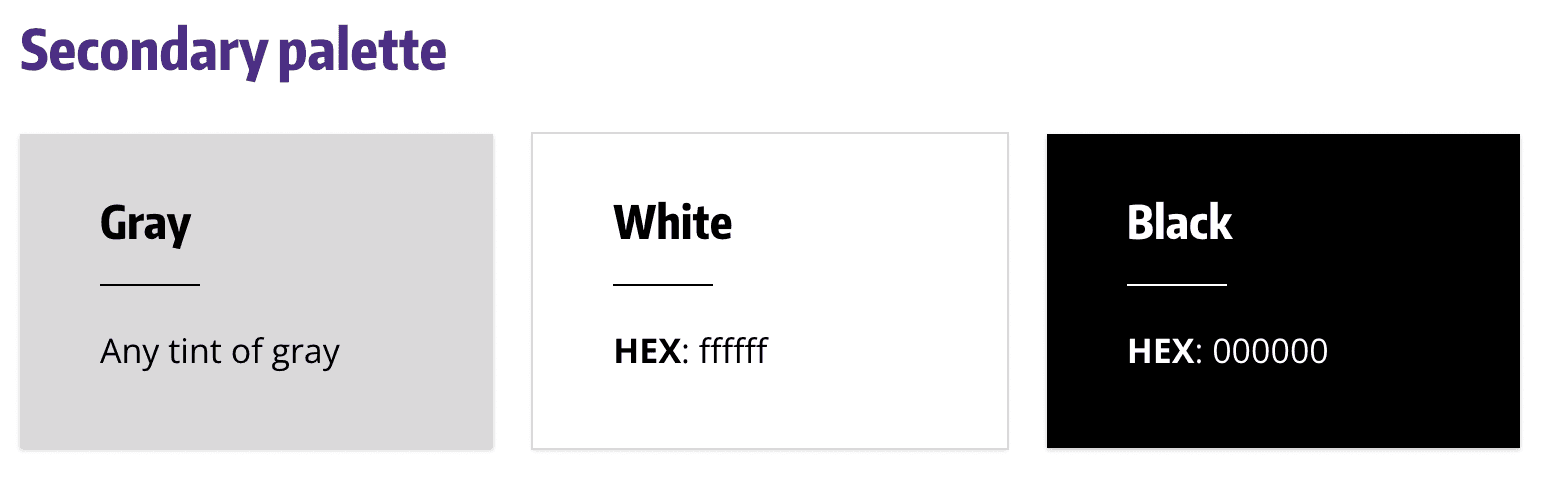
Color System
All color combinations meet WCAG AA contrast requirements (4.5:1 for normal text)
Typography Styles
Core Components
Heading 1 / Hero Title
Open Sans Bold, 48px / 56px
Used for page titles and major section headings
Heading 2 / Section Title
Open Sans Semibold, 32px / 40px
Used for content section headers
Body / Paragraph
Source Sans Pro Regular, 16px / 24px
Primary body text with 1.5 line height for readability
Caption / Small Text
Source Sans Pro Regular, 14px / 20px
Used for labels, captions, and metadata
Task Cards
Reserve Study Room
Book spaces for individual or group study
Prominent action cards guide users to high-priority tasks
Button System
Clear hierarchy guides user attention to primary actions
Navigation Pattern
Find Articles & Databases
Get Research Help
Access Course Reserves
Task-based navigation with visual affordances
Information Cards
Suzzallo Library
OpenToday: 8:00 AM - 12:00 AM
Quick-scan information with contextual actions
Spacing Layout System
8px
Tight
16px
Base
24px
Comfortable
32px
Spacious
8px base unit grid system ensures consistent spacing throughout the interface
Design System Impact
0+
Reusable components built
0+
Pages using system
0%
Reduction in design time
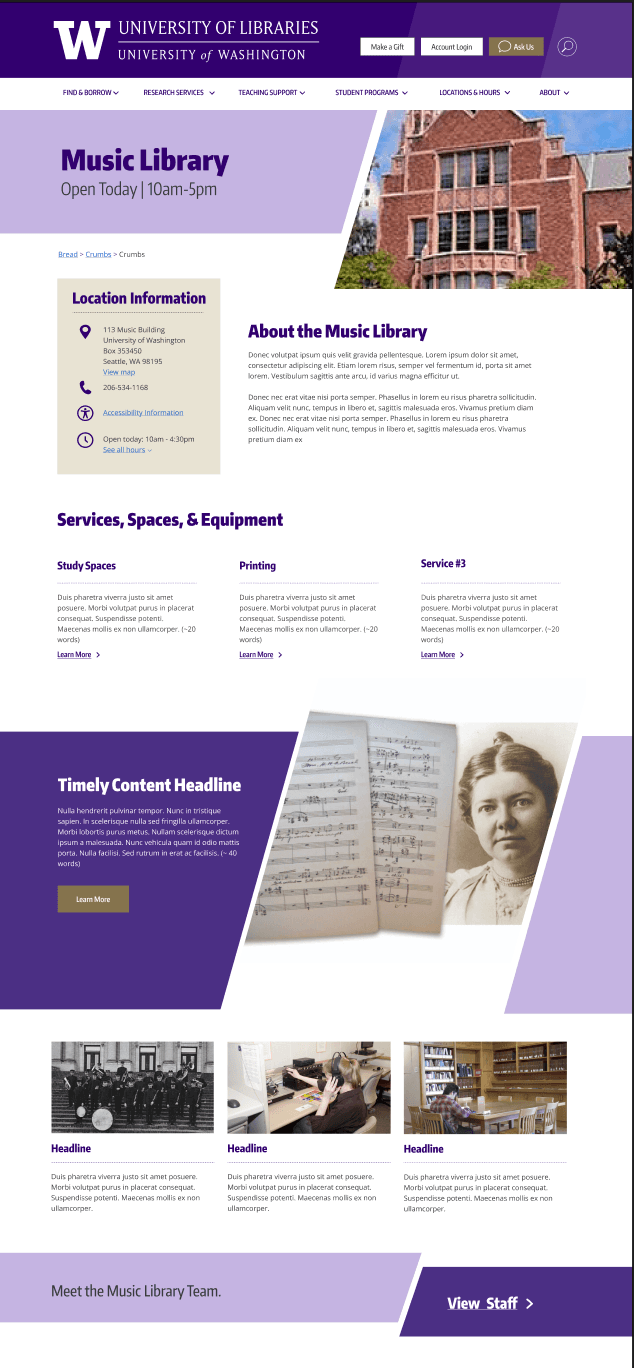
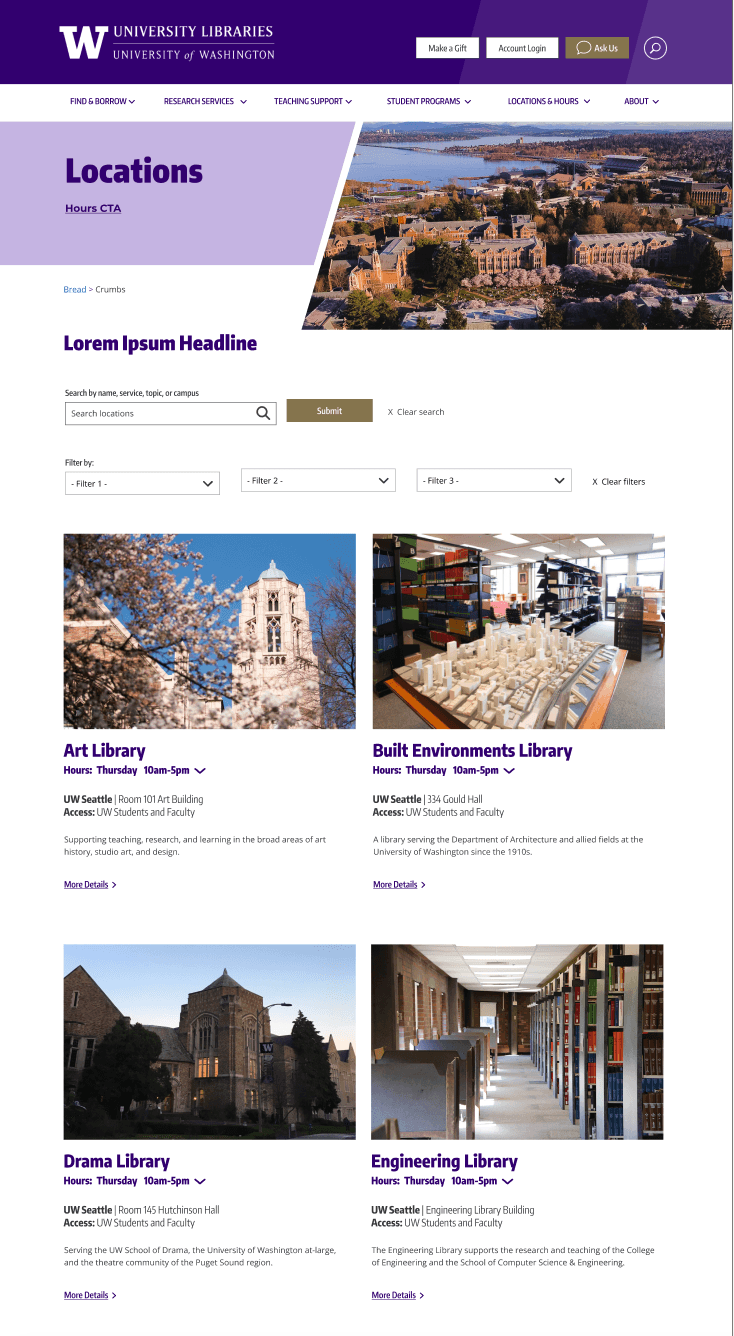
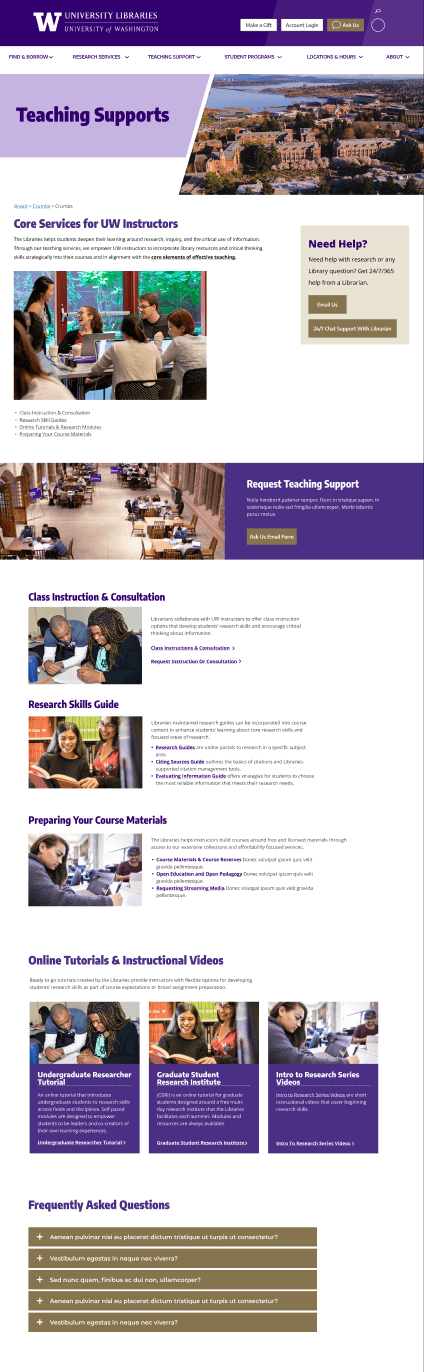
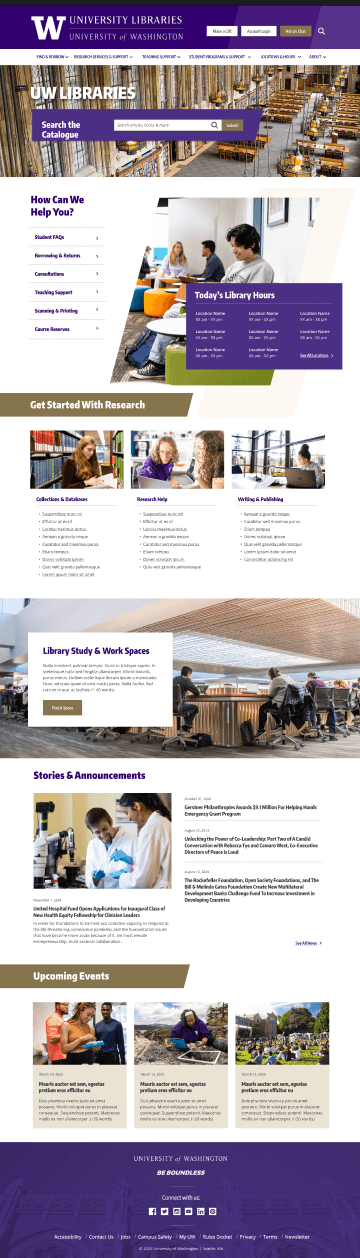
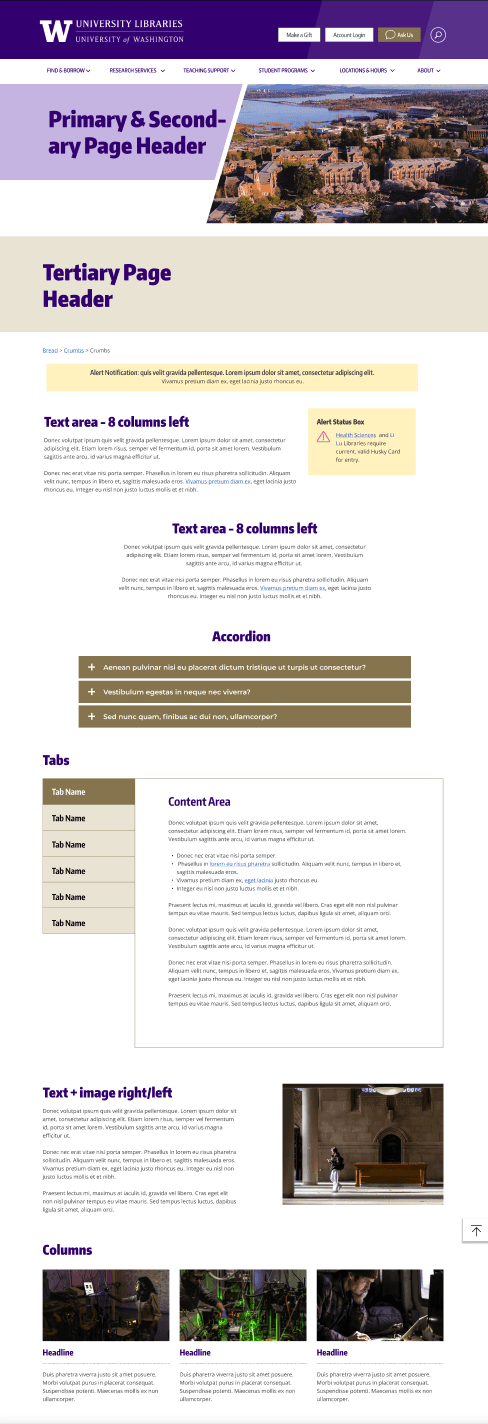
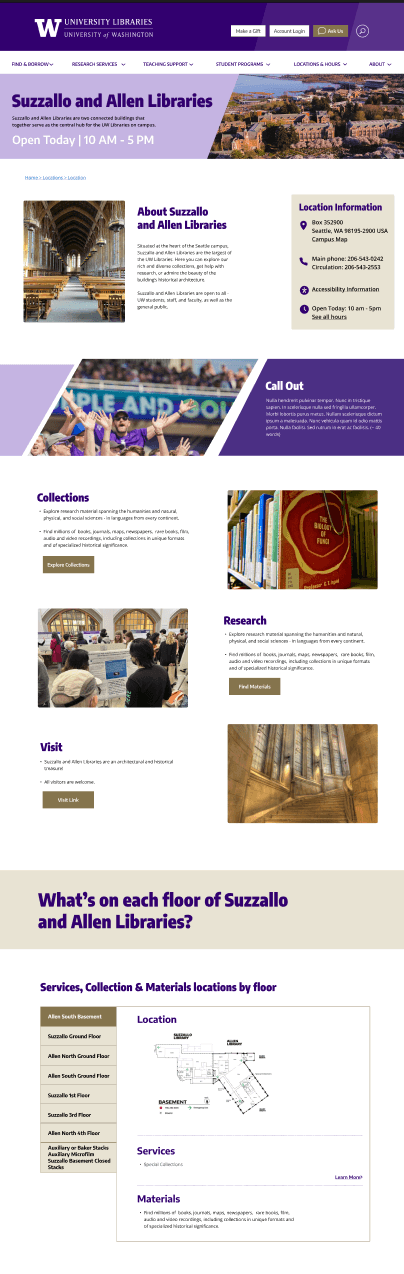
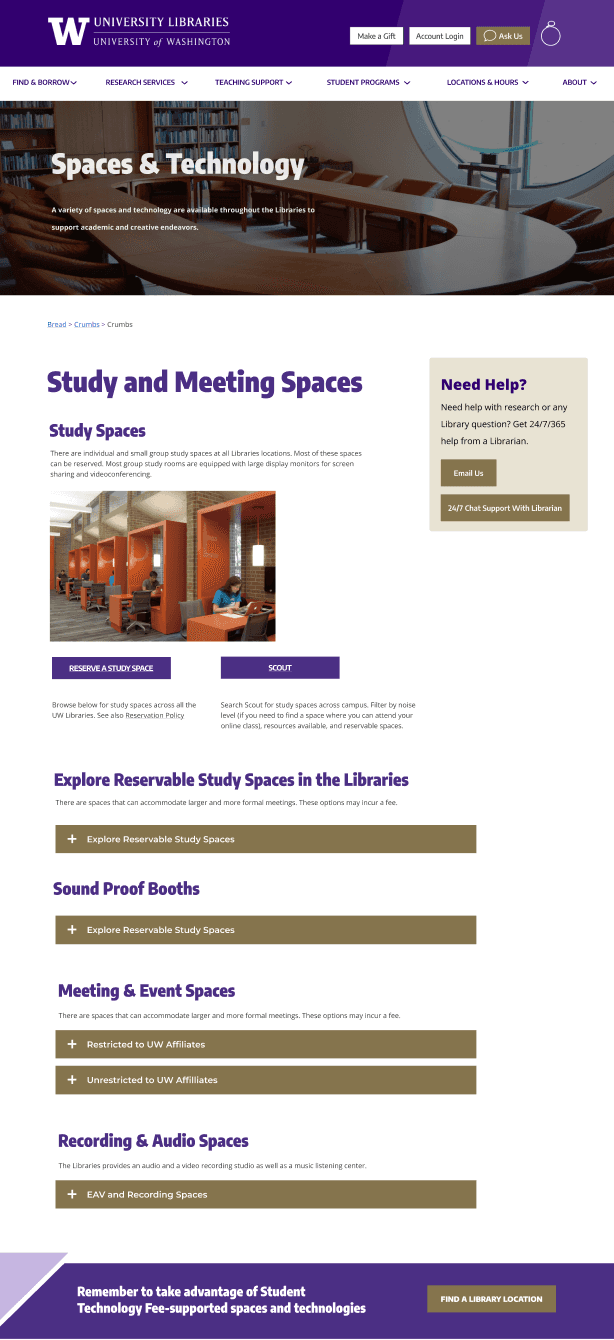
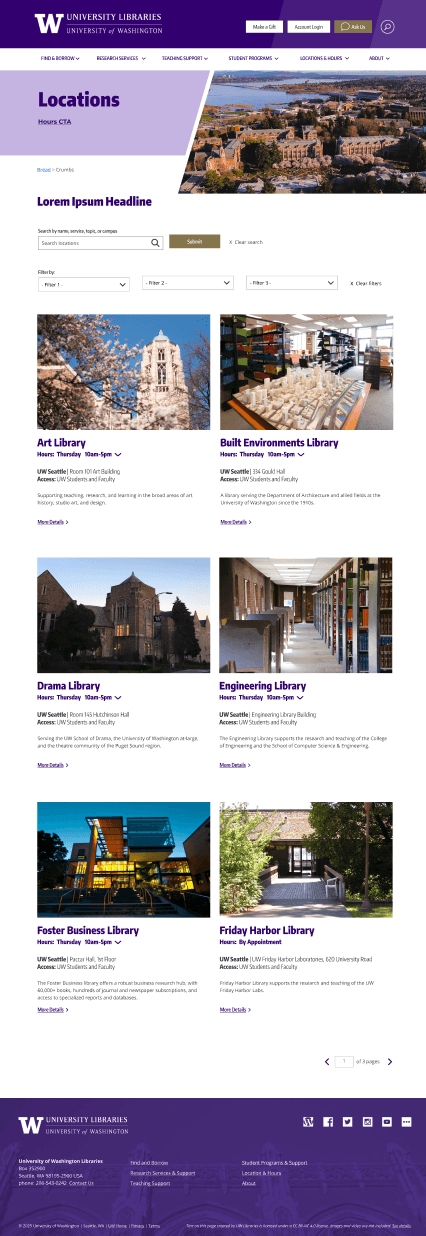
Consistent Page Template
Pages where most of the content is generated by content type
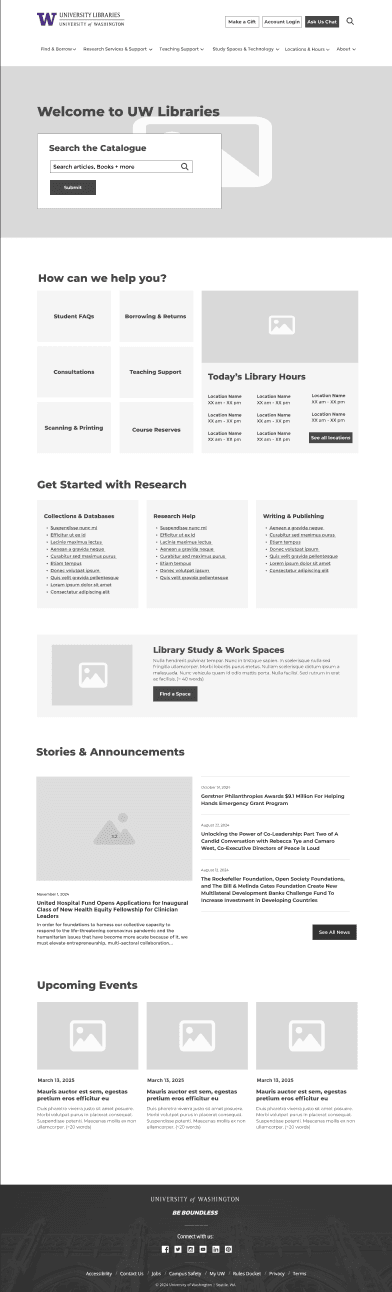
Home Page
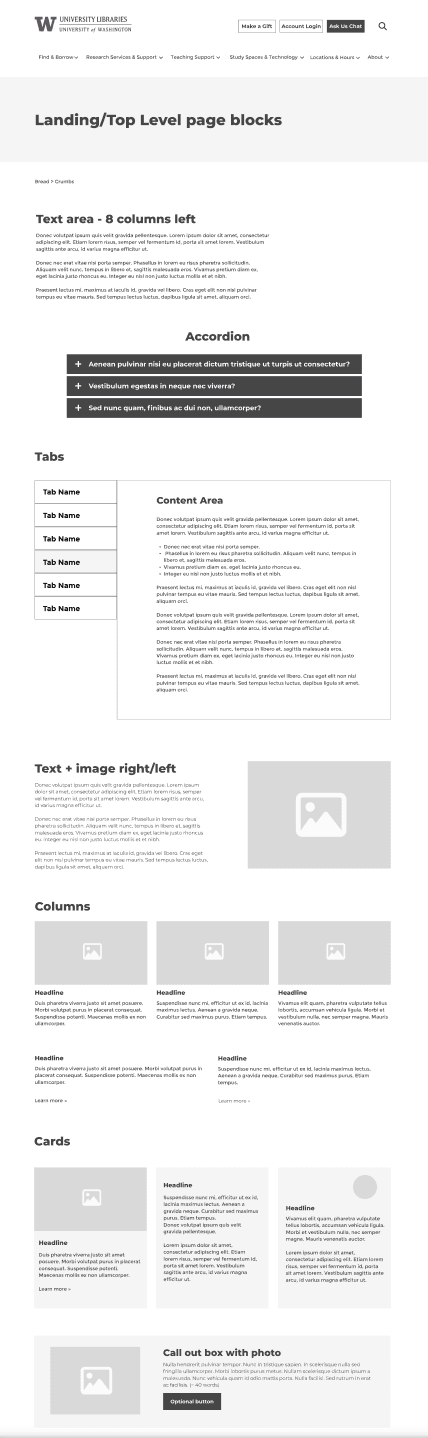
Landing/ Top Level Page Blocks
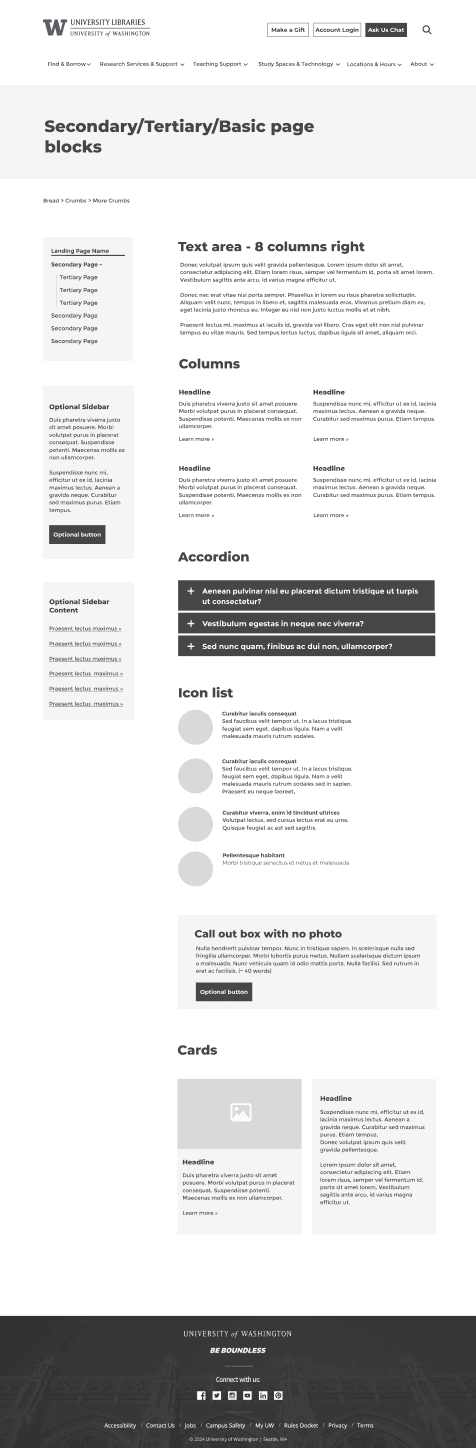
Secondary / Tertiary Blocks Page
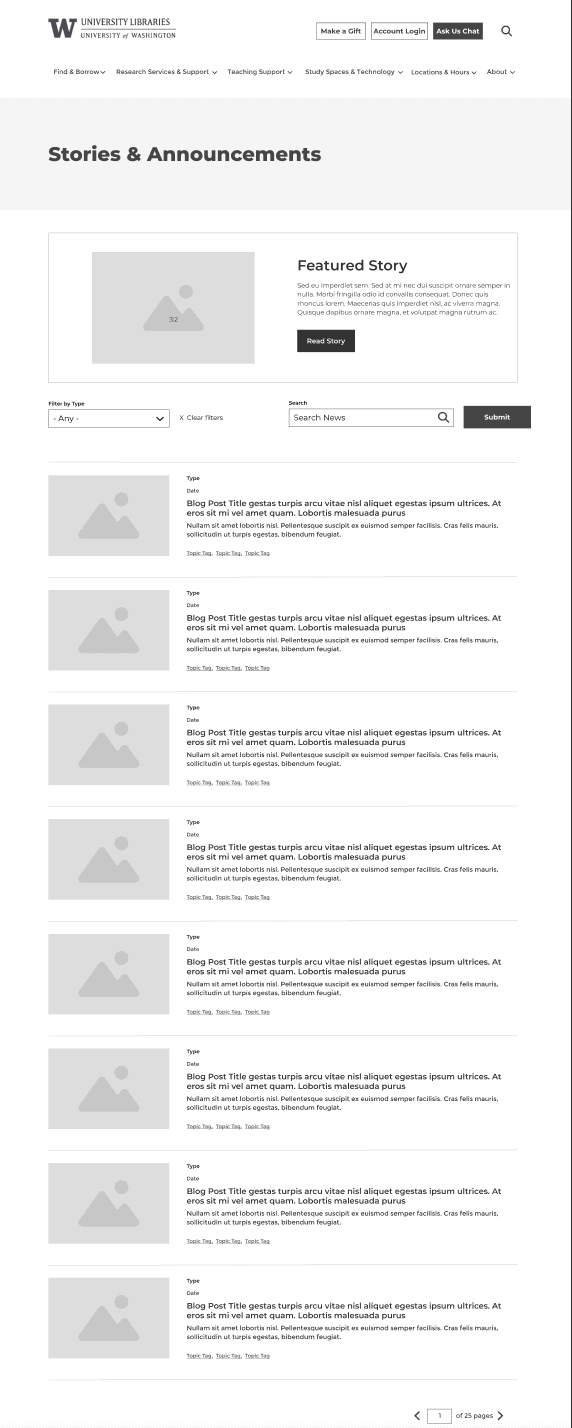
News Page
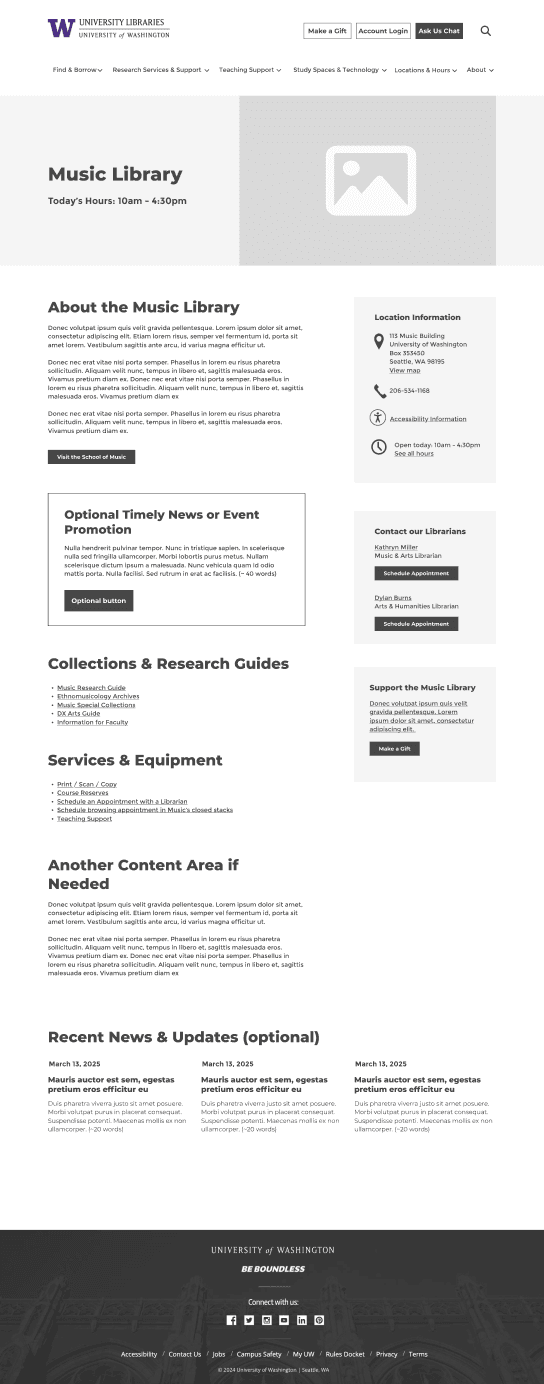
Location Page
0+
Reusable components built
0+
Pages using system
0%
Reduction in design time
Usability Testing & Key Insights
Testing with real users at every stage
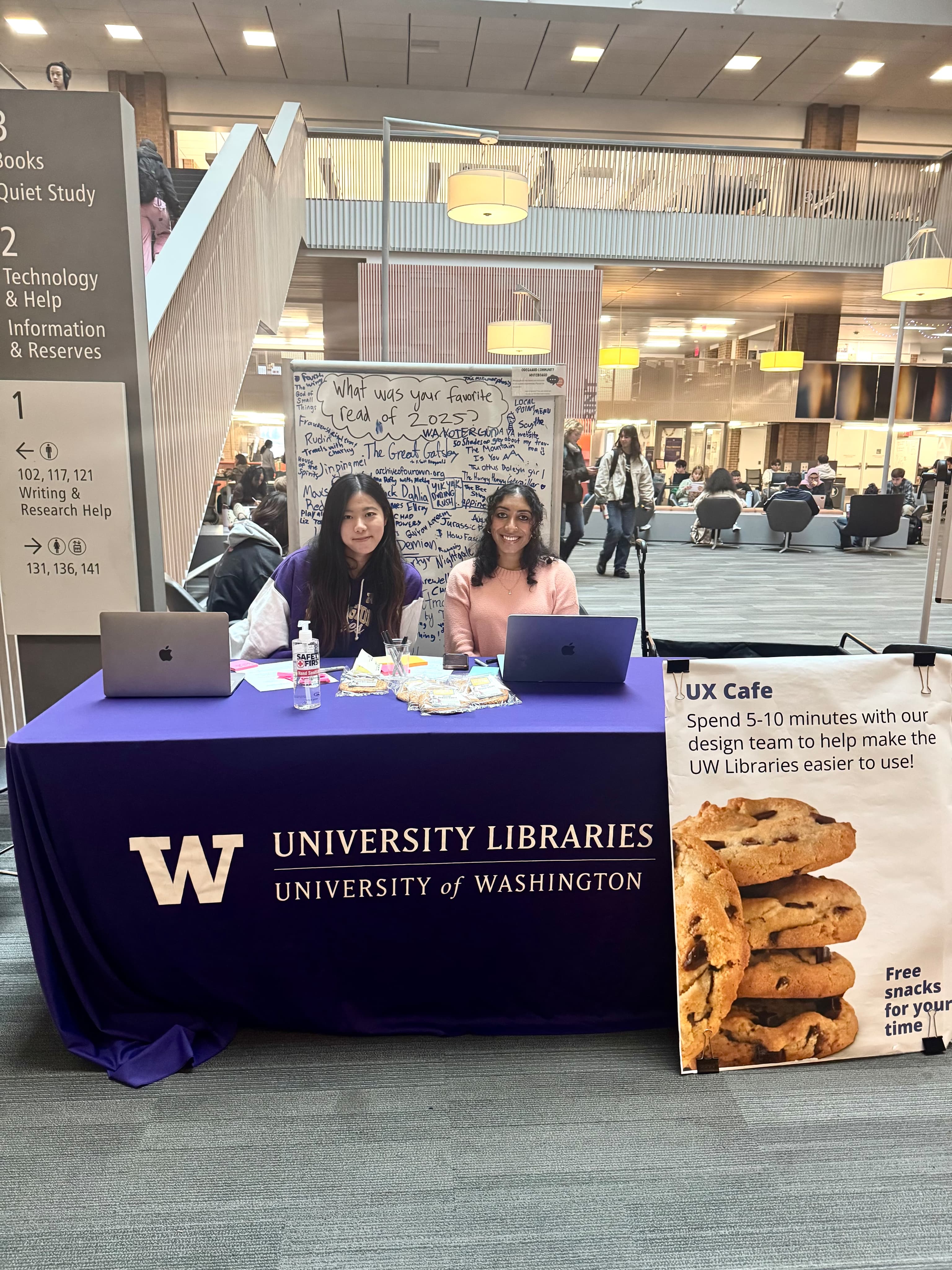
Remote usability testing via Zoom with 20+ participants across all three user groups, plus in-person tabling at Odegaard Library with 50+ additional participants.
0+
Total participants
0×
Testing rounds
0%
↑ Task completion rate
-0%
↓ Time-on-task
What Worked
Does the current navigation support intuitive patterns, or does it confuse users with too many similar options?
Areas of Improvement
Does the current navigation support intuitive patterns, or does it confuse users with too many similar options?
Key Finding
Does the current navigation support intuitive patterns, or does it confuse users with too many similar options?

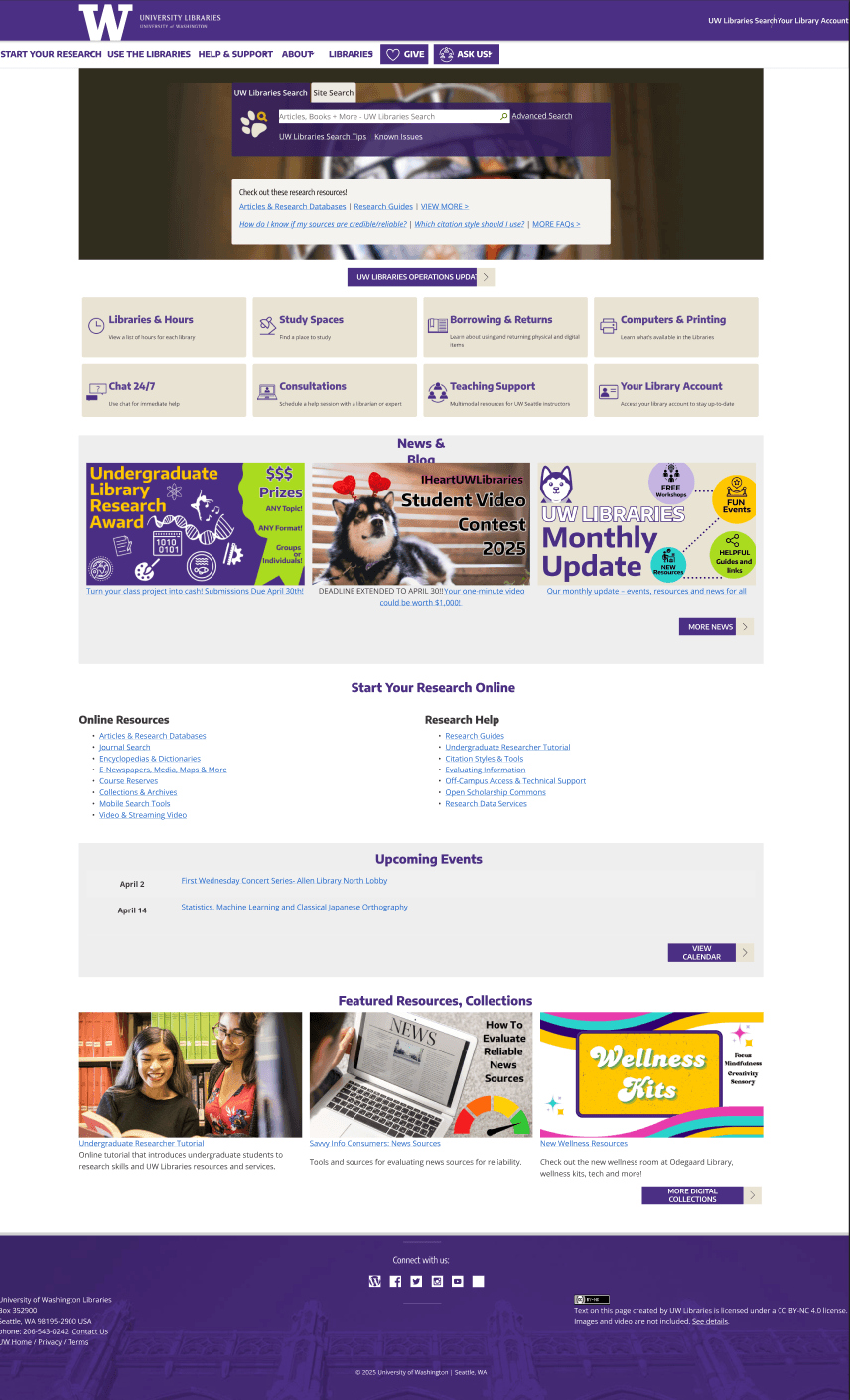
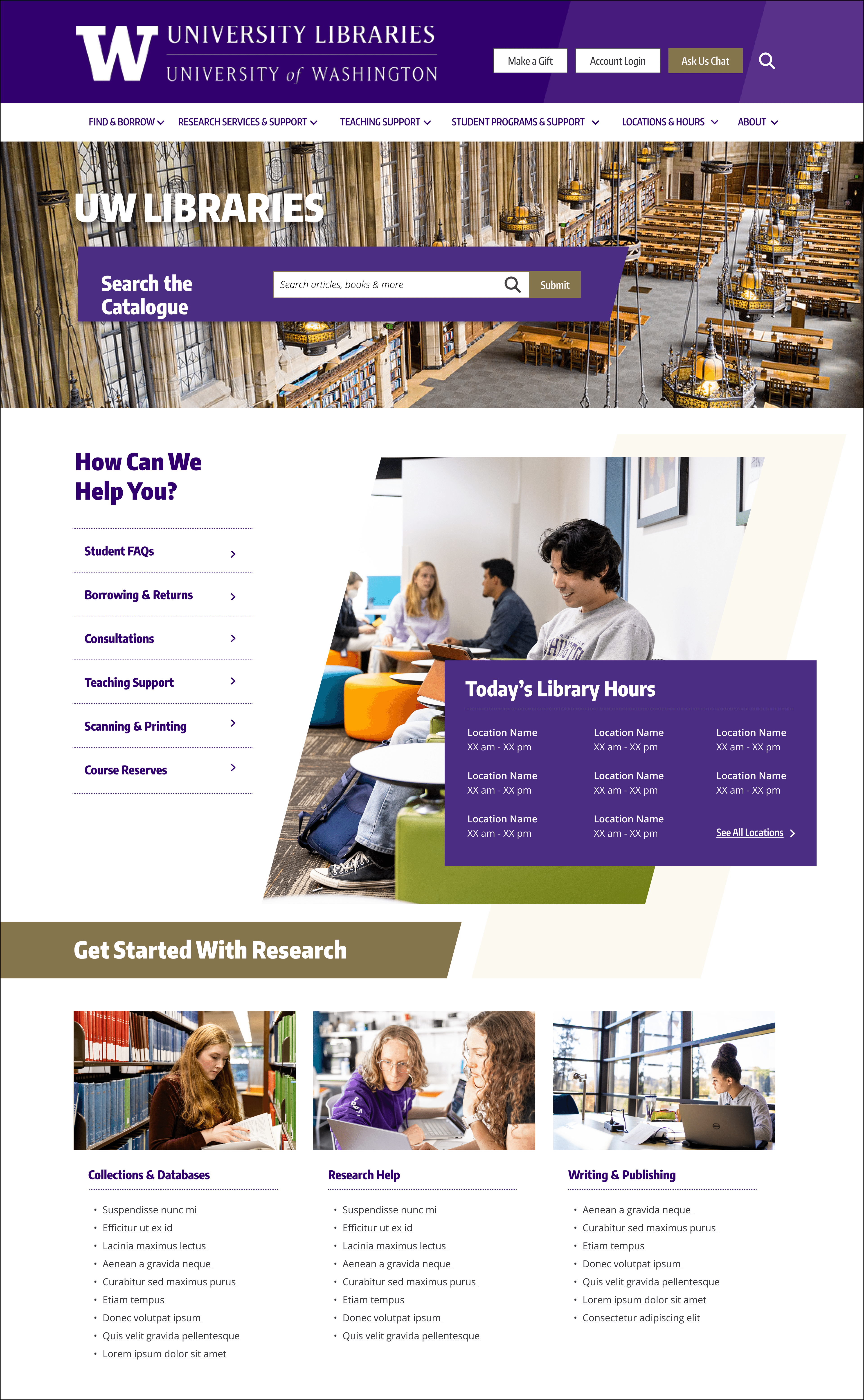
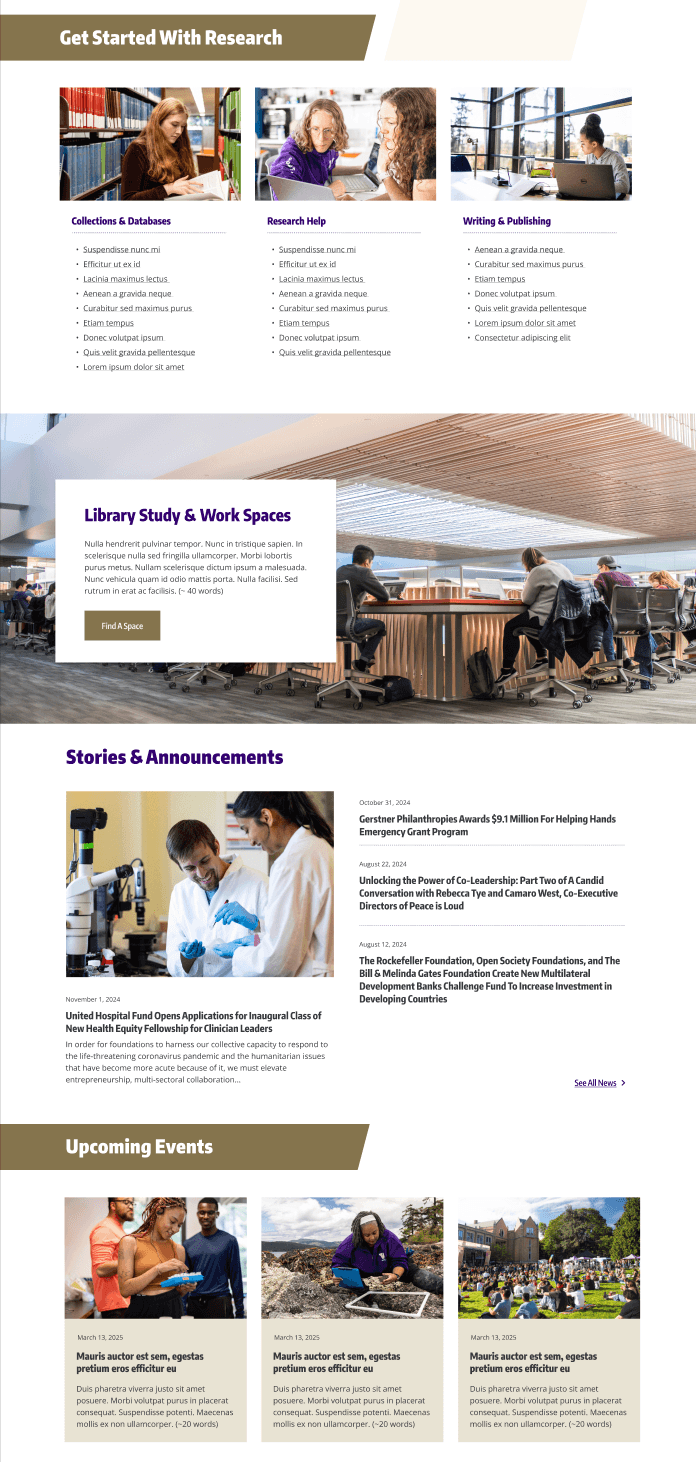
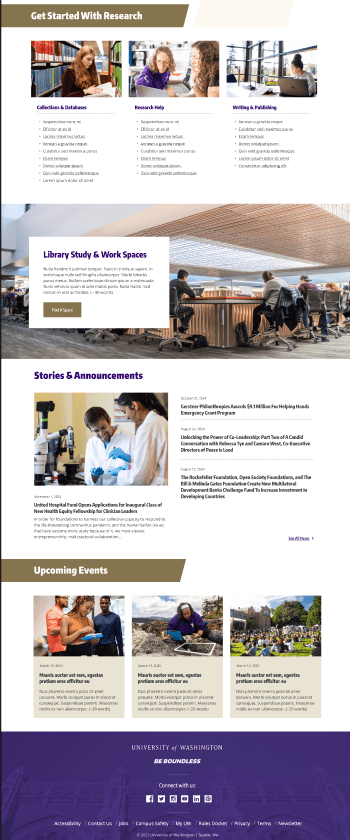
Before & After
Visual Transformation
The redesign dramatically improved visual hierarchy, reduced clutter, and created clear pathways to key tasks.
Before

After

Search Experience Enhancement
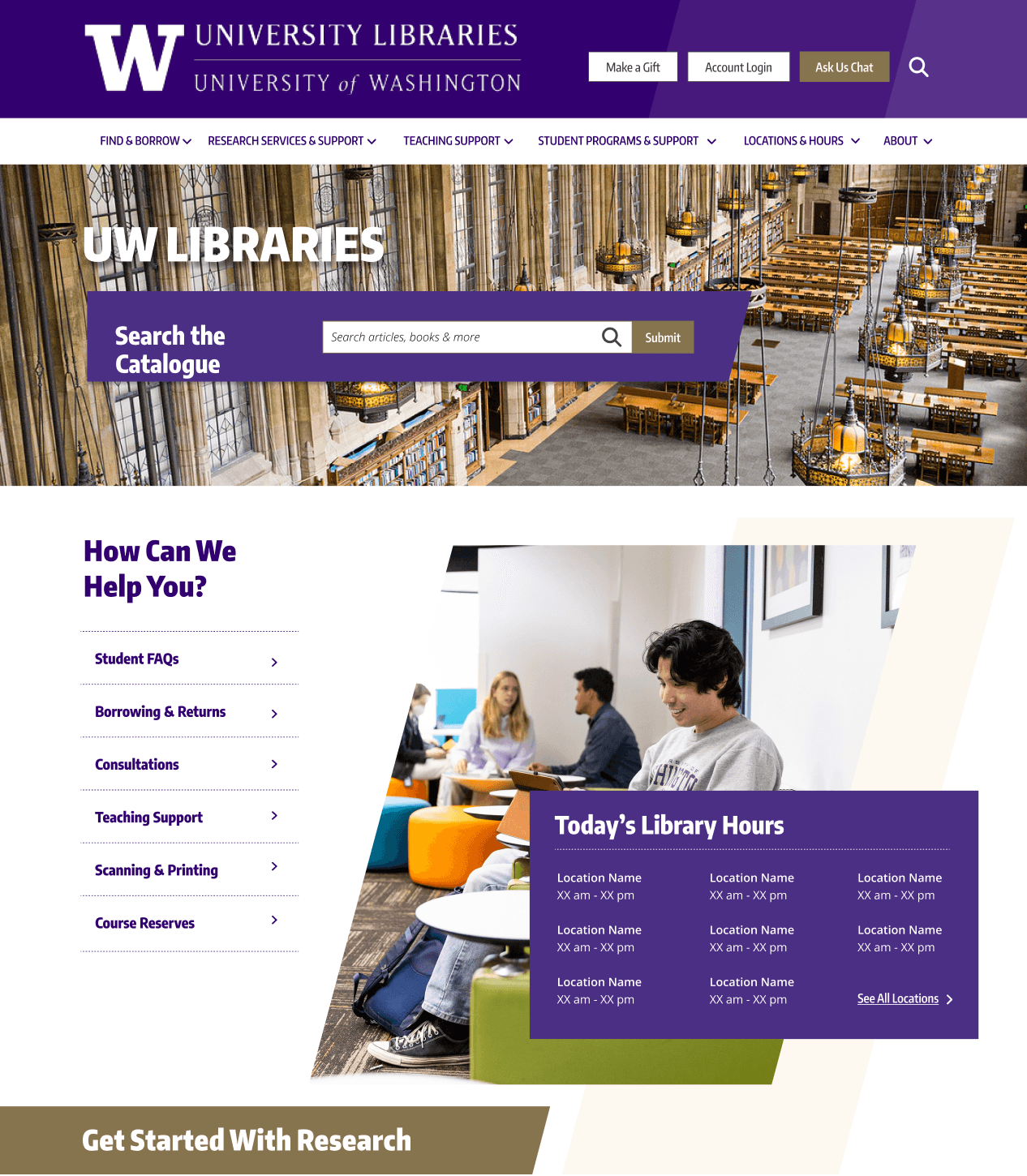
Scoped search: the biggest win
The biggest source of confusion was an undifferentiated search bar — users couldn't tell if it searched the website or the library catalog. Scoping it decisively resolved this.
- Users confused about search scope
- No distinction between catalog and website search
- Generic placeholder provided no guidance
- Search books, articles, and databases
- Clear tabs for child-parent search contexts
- Contextual placeholder guides entry
- Local print first priority
Outcome & Impact
Measurable results. Actionable insights.
Three key outcomes emerged from usability testing, stakeholder review, and design system adoption across the organization.
Clearer Homepage
The redesigned homepage effectively balanced quick-access tasks with search functionality, serving multiple user groups simultaneously without competing priorities.
Improved Navigation
Validated IA structure reduced cognitive load and removed barriers to key tasks. Task success rates improved from 40% to 65% on average.
Research-Backed Roadmap
Delivered actionable insights and design clarity — giving the team a clear, evidence-based roadmap for Phase 2 implementation.
Reflection & Learnings
What I’d do differently
“Multiple user journeys can share one system — strong information architecture makes it feel effortless.”
Angelita Cecilia · UX Designer & Researcher
Key takeaway: Designing one system for multiple user journeys means creating clearer pathways — not removing content.
If I had more time, I’d run graduate-focused card sorting earlier to capture their mental model sooner and avoid a late Round 2 iteration.
Biggest lesson: Validate structure before pixels — tree testing first saved time and strengthened the final direction with real user evidence.